

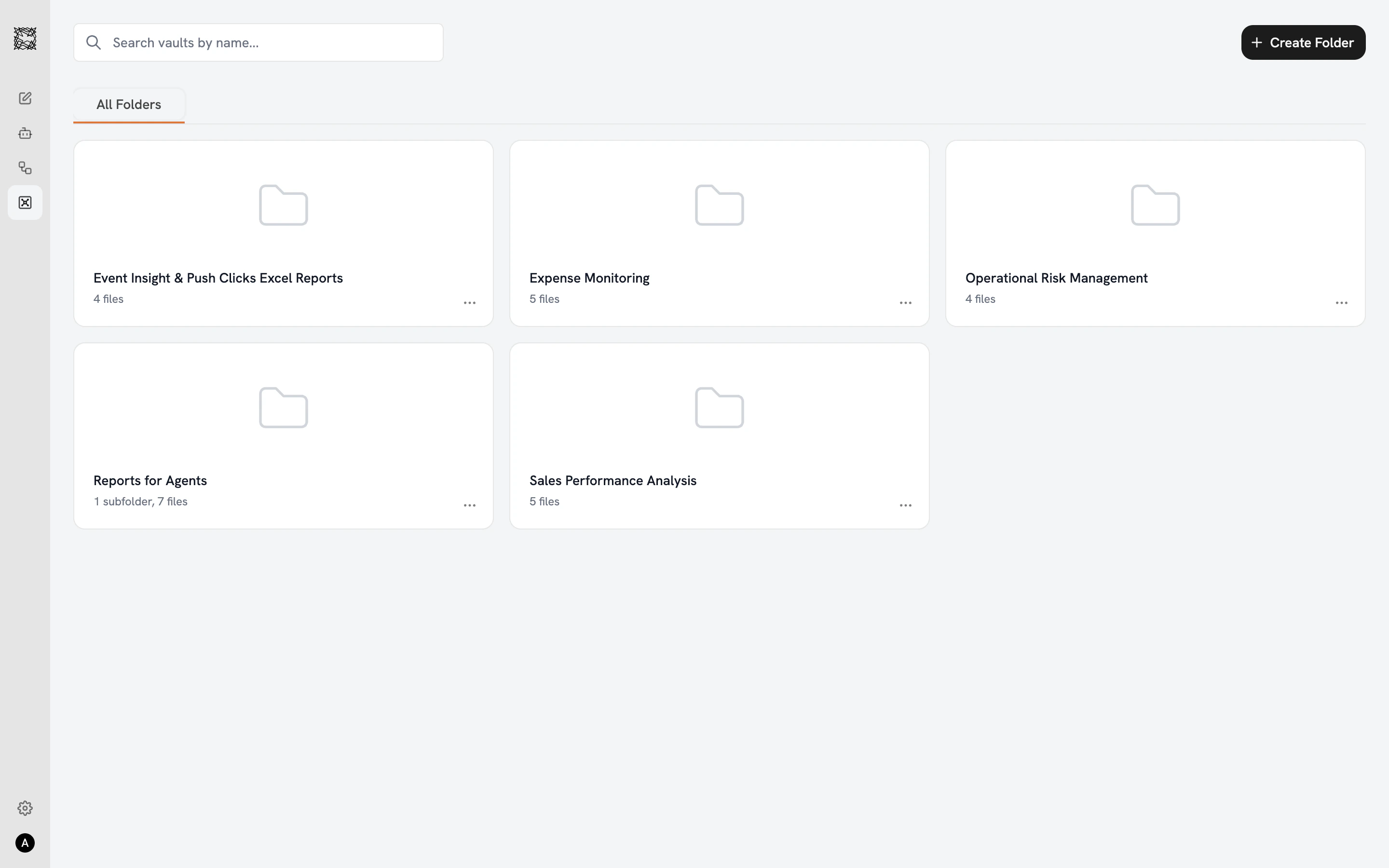
Organizing your documents
The Vaults main page displays your folders in a three-column grid. Each folder card shows the folder name, file count, and subfolder count. Click ”+ Create Folder” to add a new folder, and create subfolders within any folder for deeper organization. Inside a folder, a file table shows each document’s name, type, date modified, and size. Use the search bar to find files by name, or click Filters to narrow by file type (PDF, DOC/DOCX, XLS/XLSX, TXT, Images), date modified, or file size.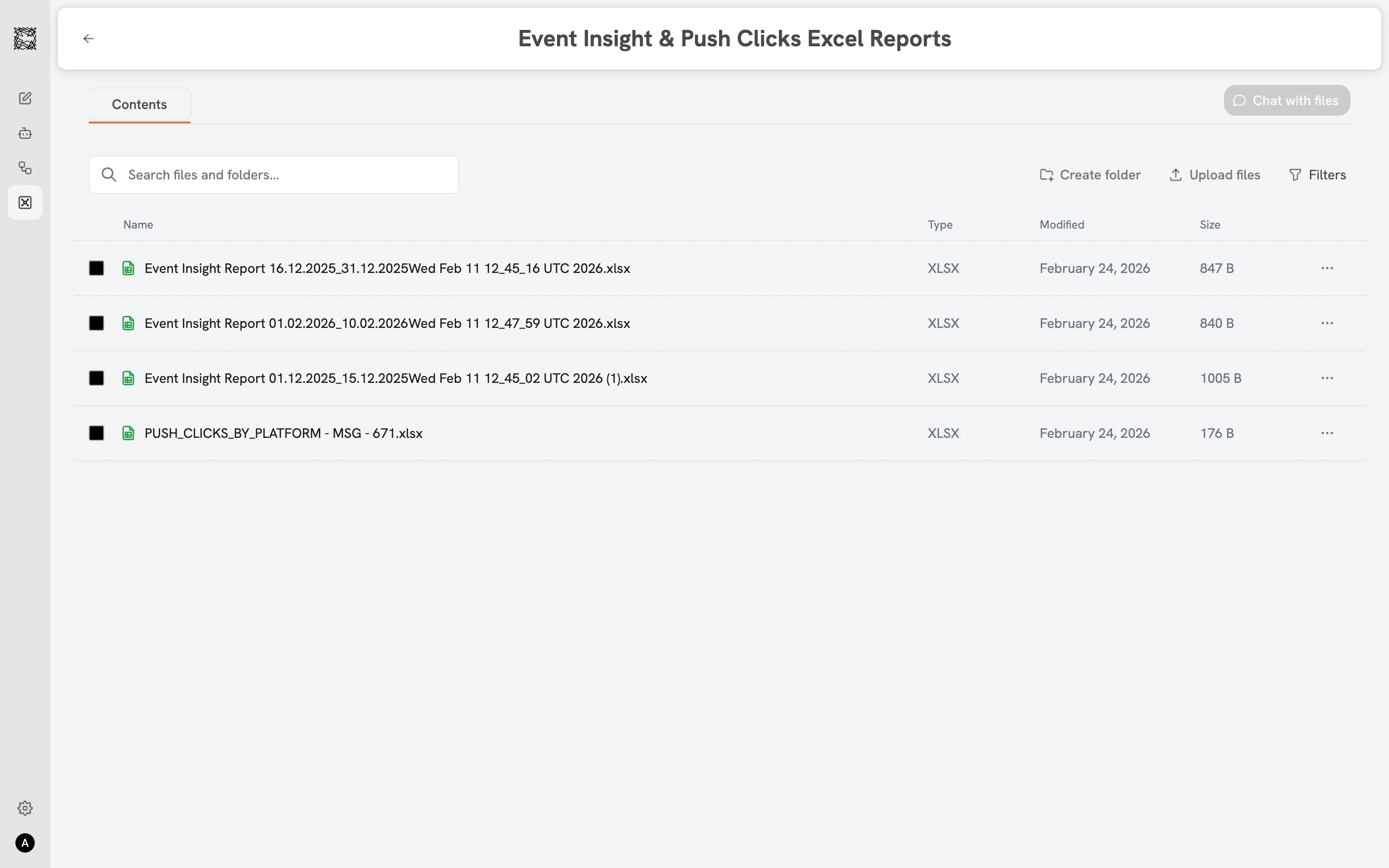
Uploading documents
Click “Upload files” inside any folder. Drag and drop files into the upload area, or click to browse your device. Supported formats include PDF, DOC, DOCX, XLS, XLSX, and more.Chat with files
Select one or more files using the checkboxes, then click the green “Chat with files” button. A new conversation opens with your selected files pre-attached to the input bar. All seven capability icons remain available. Ask questions about the documents, request summaries, compare content, or run analysis with Data & Graph enabled.Managing files
Each file and folder has a context menu (the ”…” icon) with two options: Move (opens a folder picker to relocate the file) and Delete (removes the file permanently).Knowledge Grounding
How your Agents search your Vault documents
Connectors
Connect your organization’s existing tools