

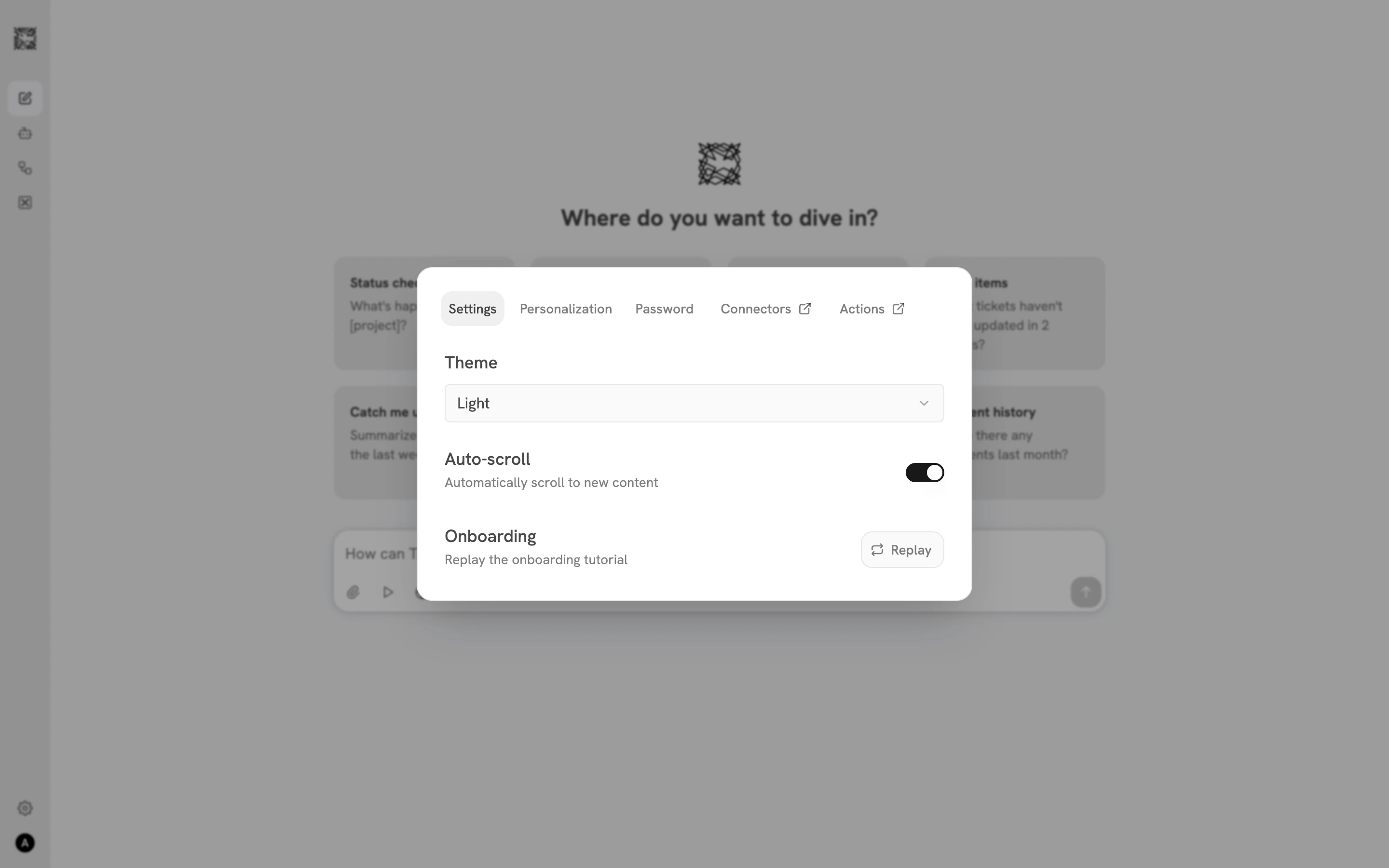
Settings (General)
The default tab shows three options:- Theme: Choose Light, Dark, or System (follows your device setting).
- Auto-scroll: Toggle automatic scrolling to new content during conversations. On by default.
- Onboarding: Click Replay to run through the onboarding tutorial again at any time.
Personalization
Tell Trusapien about yourself so your Agents can tailor responses to your context.- Name: Your display name, shown in conversations.
- Role: Describe your role (e.g., “VP of Marketing” or “Senior Financial Analyst”) to help shape responses.
- Use Memories: Toggle on to let Trusapien reference your saved Memories in future conversations.
- Memories: Personal notes you write that inform how your Agents work with you. Click Add Memory to create a text note. Write anything you want Trusapien to remember across conversations.
Password
Change your password by entering your current password, choosing a new one, and confirming. Click Change Password to save.Connectors
This tab redirects to the Connectors management page where you add, configure, and monitor the data sources linked to Trusapien. Your Agents search these sources through Knowledge Grounding.Actions
This tab redirects to the Actions & MCP management page where you connect external tools through MCP. This is where you set up GitHub, Atlassian, Notion, HubSpot, GitLab, or any custom MCP server.Connectors
Connect your organization’s data sources
Actions & MCP
Connect external tools and services